


6 min read
Feb 15, 2026
PowerPoint 2019 vs. Microsoft 365: Which is Right for You?A deep dive into the differences between the one-time purchase and subscription models. We compare features, cost, and updates.
Read more
Access the official offline installer for Microsoft PowerPoint 2019 (32/64-bit). This version is a one-time purchase and includes key features like Morph and Zoom. Important: A valid product key is required for activation. If you need a powerful, key-free presentation tool, we recommend the best free PowerPoint alternative.
Opens .pptx files perfectly. Best for modern presentations.
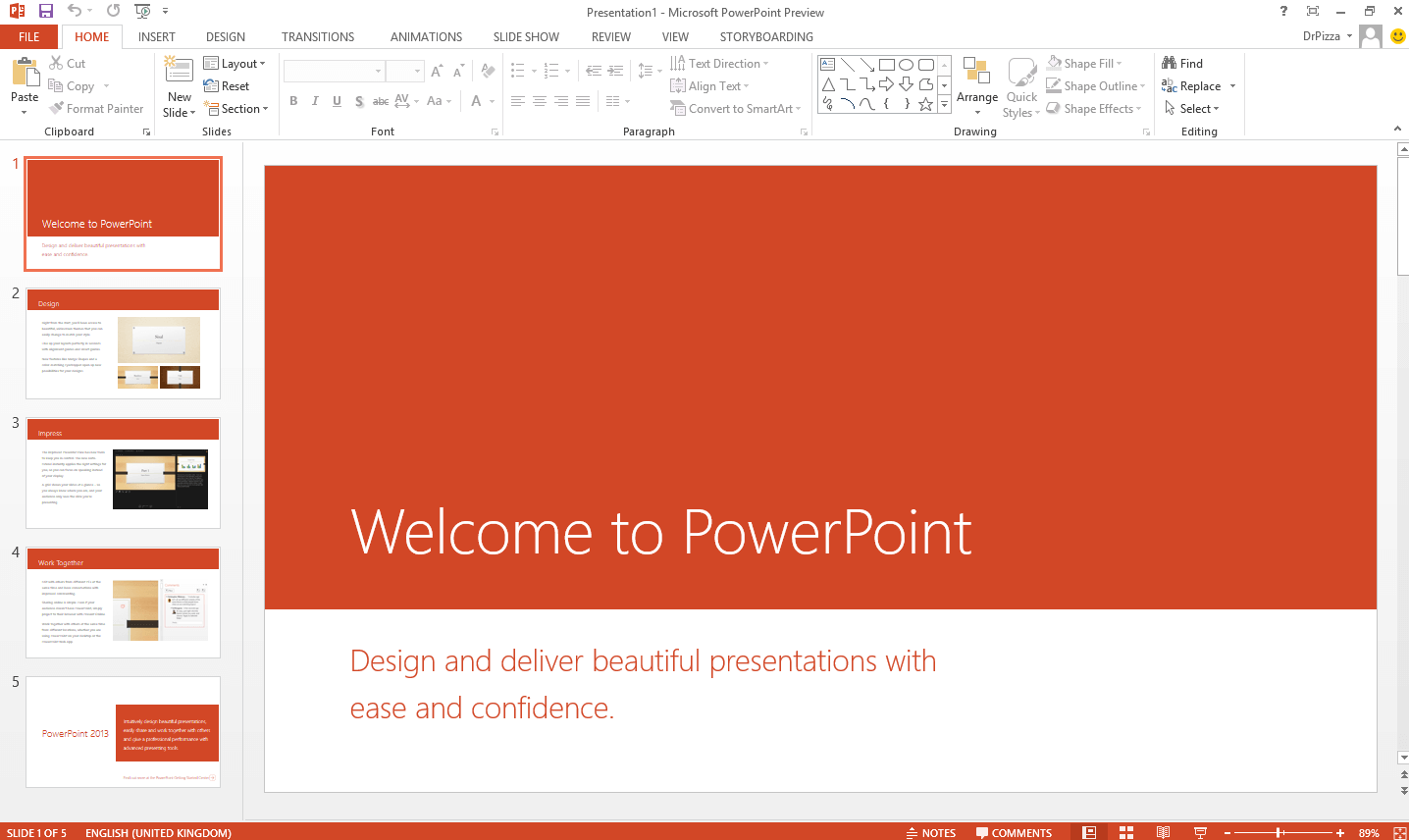
Microsoft PowerPoint 2019 is the standalone, one-time purchase version of the world's most popular presentation software. It introduced powerful features like the Morph transition, Zoom for interactive summaries, and support for 3D models and SVG icons. It's part of the Office 2019 suite and runs on both Windows and Mac.
As a perpetual license, PowerPoint 2019 receives security updates but does not get the continuous feature updates or cloud-based AI tools available in Microsoft 365. It's an excellent choice for users who prefer a stable, offline-first environment without subscription fees. However, for those seeking a free solution, WPS Presentation offers comparable features and full compatibility. To compare all PowerPoint download options, visit Microsoft PowerPoint Free Download for a complete guide across all versions and platforms.
If you already own and have activated PowerPoint 2019, it continues to run on both Windows 10 and Windows 11. Microsoft no longer sells new licenses, but existing copies remain functional for day-to-day presentations.
Updates are now security-focused rather than feature-heavy — you will not get the latest AI-driven or collaboration tools found in Microsoft 365. Mainstream support for Office 2019 is also approaching its end.
Pay once and own it forever, with no recurring fees.
Misses out on new tools and AI features added to M365.
Excellent performance without requiring an internet connection.
Requires a significant initial investment for the license.
PowerPoint 2019 represents a significant step up from its predecessor, PowerPoint 2016, offering a suite of new visual features designed for more dynamic and engaging presentations. This version is available as a one-time purchase, making it an attractive option for users who want to avoid subscriptions.
Acquisition and Safety: To legally download and use PowerPoint 2019, you must purchase a product key. Be wary of websites offering free keys or "cracked" versions, as they often contain malware that can compromise your data and system security. For a safe, modern, and cost-free experience, we strongly recommend using a reputable alternative like WPS Presentation.
Because Microsoft no longer prominently lists PowerPoint 2019 on its homepage, some users turn to unofficial sites. These sources often promise free copies but may deliver malware, outdated builds, or modified installers. Sticking to official Microsoft channels is the only safe approach.
| Feature | PowerPoint 2019 | WPS Presentation (Free) |
|---|---|---|
| Cost | One-Time Purchase | Free |
| Feature Updates | Security Only | Yes, Continuous |
| AI Tools | None | Yes (AI Slide Generation) |
| Platform Support | Windows, macOS | Win, Mac, Linux, Mobile |
| Template Library | Limited Built-in | Extensive Online Library |
| File Compatibility | PPT, PPTX | PPT, PPTX, PDF |
| Cloud Integration | Requires OneDrive | Built-in WPS Cloud |
| Performance on Older Devices | Moderate | Lightweight & Fast |
| Long-term Support | Ending Oct 2026 | Frequent Updates |
Verdict: PowerPoint 2019 can handle professional presentations, but WPS Presentation feels less demanding on your system, offers broader file compatibility, and costs nothing — making it the better everyday choice for most users.
Organizations with a volume license can deploy PowerPoint 2019 using Microsoft's Office Deployment Tool (ODT) and the Office Customization Tool at config.office.com.
Select your system architecture (x64 for most modern PCs, x86 for older 32-bit systems).
Choose Office Professional Plus 2019 – Volume License as the product suite.
Set language to Match Operating System, then click Export to download your configuration.xml file.
Download the Office Deployment Tool from Microsoft and extract it to a local folder.
Open Command Prompt as Administrator, navigate to the ODT folder, and run: setup.exe /configure configuration.xml
After installation completes, open PowerPoint and activate using your organization's volume license.
PowerPoint 2019 is paid software requiring a product key. Official downloads are for licensed customers. For a free alternative, WPS Presentation is the best choice.
Yes, it is sold as a "perpetual" license, meaning you pay once and own it forever, unlike the subscription-based Microsoft 365.
Yes, PowerPoint 2019 is fully compatible with Windows 10 and Windows 11, receiving regular security updates from Microsoft.
PowerPoint 2019 is a static, one-time purchase. The PowerPoint in Microsoft 365 is subscription-based and continuously updated with new features, AI tools, and cloud collaboration capabilities.
PowerPoint 2019 is Microsoft's 2018 release of its presentation software, part of the Office 2019 suite, designed for creating and delivering professional slideshows.
Yes. Microsoft released Office 2019 for both Windows and macOS. macOS Mojave (10.14) or later is required, with at least 4 GB RAM and 10 GB of available storage.
No. Unofficial sources may contain malware or tampered installers. Always download from Microsoft's official website, and scan files before opening.
WPS offers more frequent updates, better cross-platform support, and is free. PowerPoint 2019 may still be preferable for users in Microsoft-centric corporate environments who already own a license.
PowerPoint 2019 remains dependable for users who already own it, but it is an aging program nearing the end of its support cycle with no future feature updates. For those without a license, WPS Presentation delivers comparable core functionality — templates, animations, file compatibility, and cross-platform support — without the upfront cost or security risks of outdated software.

Create stunning presentations for free. Fully compatible with PowerPoint files and packed with modern features.
The subscription version with the latest AI features.
The best free and compatible alternative to PowerPoint.
The previous perpetual release. (Legacy)
A free, web-based presentation tool from Google.
The full suite including Word, Excel, and PowerPoint 2019.
A powerful and free tool to convert presentations to PDF.
A deep dive into the differences between the one-time purchase and subscription models. We compare features, cost, and updates.
Read more
Our guide walks you through the official activation process and warns against the dangers of illegal key generators and cracks.
Read more
Discover how to use Morph, Zoom, 3D Models, and other key features to make your presentations more engaging and professional.
Read moreWhy pay for presentation software? Get a complete, modern office suite that's fully compatible with all PowerPoint formats for free. Experience a lightweight, powerful, and secure solution.
* Basic components (Writer, Spreadsheet, Presentation) are permanently free.
Open, edit, and save .pptx and .ppt files seamlessly.